noforeignland

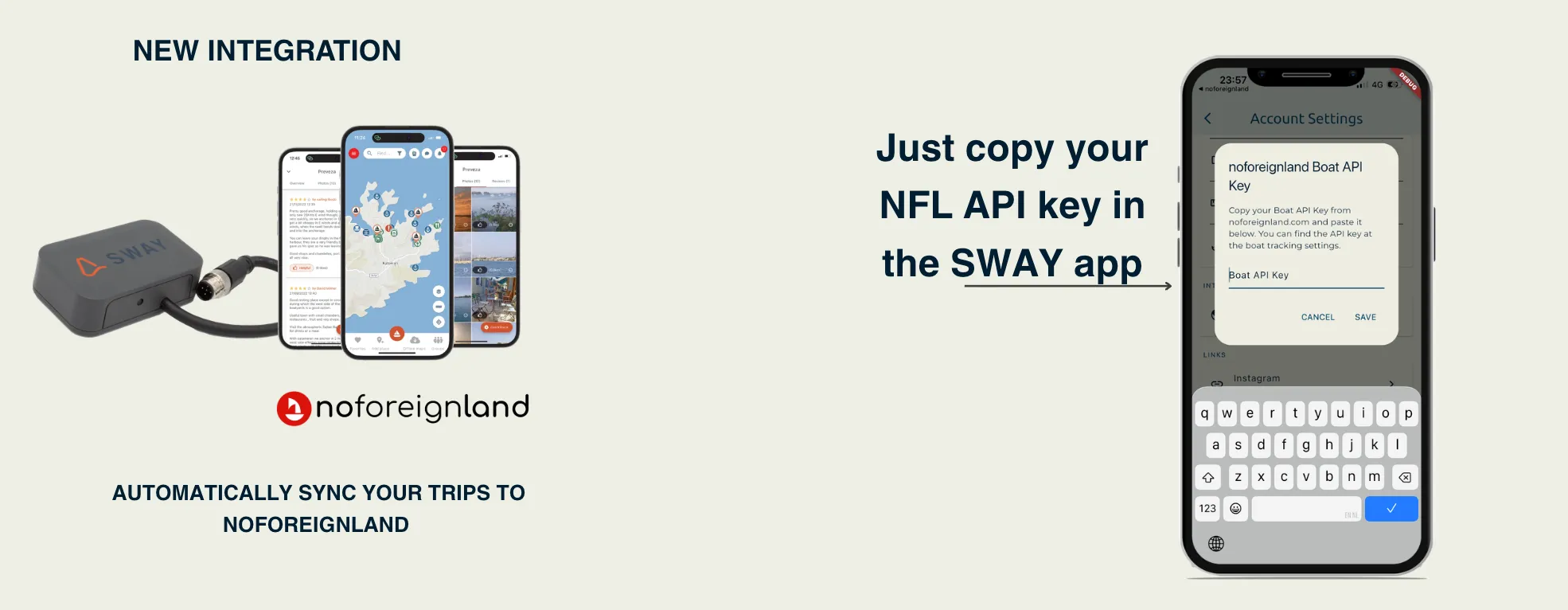
You can link your noforeignland account to Sway. After sailing, your trip will be automatically uploaded to noforeignland — no manual export needed.
How to connect
Section titled “How to connect”Step 1 — Get your noforeignland API key
- Open a browser on your laptop or desktop and go to noforeignland.com — this does not work from the noforeignland mobile app
- Log in and navigate to Settings → Boat tracking → API Key
- Copy your API key
Step 2 — Enter the key in the Sway app
- Open the Sway app
- Go to You (bottom navigation)
- Tap the settings icon in the top right corner
- Go to noforeignland integration
- Paste your API key and save
That’s it. After your next trip is synced in Sway, it will be automatically sent to noforeignland.
For more information on noforeignland’s tracking options, see their external providers guide.